
Table of Contents
How to setup a direct (broadband) connection in Windows 10 #
-
- Click Start (Usually located at bottom-left hand corner of screen)

-
- Click Settings

-
- Click Network and Internet

-
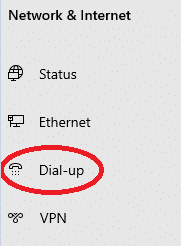
- On the left, click Dial-Up
-
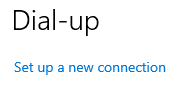
- Click “Set up a new connection”
-
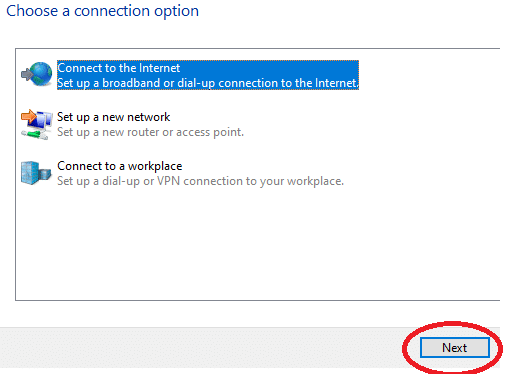
- Click the first option “Connect to the Internet” so it’s highlighted, and click Next
-
- Choose Broadband (PPPoE)
-
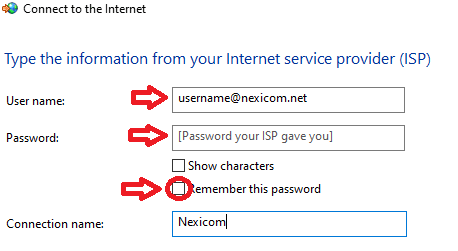
- Fill-in your Lansdowne PPPoE username/password (you can select “remember this password”, you can also name it Lansdowne, but this is not required)
-
- Click Connect